Holidaycheck Hotel Scraper

Lexis Solutions · @lexis-solutions

Hotel listings from Holidaycheck.de—prices, ratings, facilities, contact data, and images from search or hotel pages.

About

Holidaycheck Hotel Scraper

What does Holidaycheck Hotel Scraper do

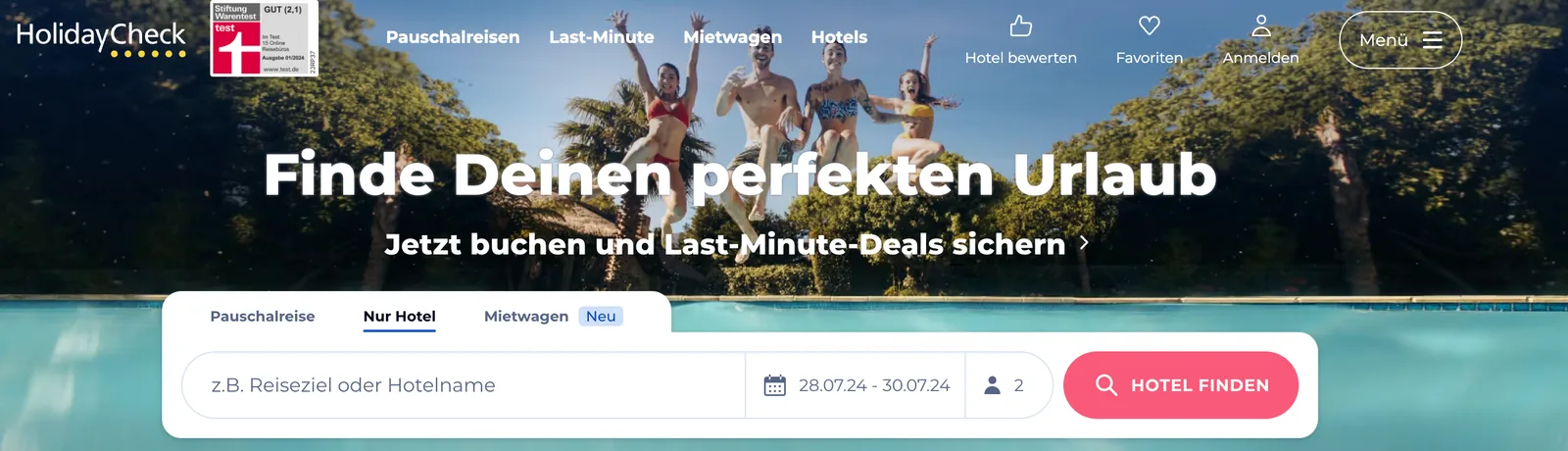
Holidaycheck Hotel Scraper helps you extract hotel listing data from Holidaycheck.de, Germany's leading travel review and booking platform.

You can extract detailed hotel information including prices, ratings, reviews, facilities, contact details, and images. The scraper supports both search result pages and individual hotel detail pages, with automatic pagination for large result sets.

What data can I extract from Holidaycheck.de

Why scrape Holidaycheck.de

Holidaycheck.de is one of the most trusted travel platforms in the German-speaking market with millions of verified hotel reviews. Scraping Holidaycheck.de can help you:

  • Monitor hotel prices and availability across destinations
  • Track guest ratings and review trends over time
  • Compare hotel facilities and amenities across regions
  • Research travel market trends for specific destinations
  • Build travel price comparison or aggregation tools
  • Analyze competitive positioning in the hospitality industry

Use Cases

  • Travel Aggregators: Build or enrich travel comparison platforms with German market data.
  • Market Research: Analyze hotel pricing, ratings, and availability across destinations.
  • Competitive Intelligence: Monitor competitor hotels' pricing strategies and guest satisfaction.
  • Lead Generation: Identify hotels and properties with contact details for business outreach.

How to use Holidaycheck Hotel Scraper

  1. Create a free Apify account using your email
  2. Open Holidaycheck Hotel Scraper on the Apify platform
  3. Click on the Try for free button
  4. Enter your search or hotel detail URLs
  5. Click on the Start button and wait for the data to be extracted
  6. Download your data in JSON, XML, CSV, Excel, or HTML

Input

The actor accepts the following input parameters:

  • startUrls (array, required) - List of URLs to start the scraping process from. It can be a search or detail hotel URL.
  • maxItems (integer, optional) - Maximum number of items to scrape.
  • proxyConfiguration (object, optional) - Proxy settings for the scraping process.

Example with a search URL:

{
  "startUrls": [
    {
      "url": "https://www.holidaycheck.de/dh/hotels-spanien/29ed38c7-75eb-362c-923e-4bab92dd0b22?availability=1&deal=1&p=4&travelkind=package"
    }
  ],
  "maxItems": 50
}

Example with a direct hotel URL:

{
  "startUrls": [
    {
      "url": "https://www.holidaycheck.de/hi/viva-blue-spa/fd00ef3a-7010-3606-9909-9c7d0f395342"
    }
  ]
}

Output

The scraped data will be saved as a dataset. Each item represents a hotel listing. You can download your data in various formats: JSON, JSONL, HTML table, CSV, Excel spreadsheet, or NDJSON.

Example of the output format:

{
  "url": "https://www.holidaycheck.de/hi/iberostar-selection-fuerteventura-palace/fd00ef3a-7010-3606-9909-9c7d0f395342",
  "title": "Iberostar Selection Fuerteventura Palace",
  "categories": ["Spanien", "Fuerteventura", "Morro Jable"],
  "facilities": ["Pool", "Wellness", "Restaurant"],
  "price": 2127,
  "location": "Pasaje Playa, 1 35626 Morro Jable Fuerteventura Spanien",
  "phoneNumber": "tel:+34928541444",
  "email": "[email protected]",
  "score": 5.6,
  "stars": 5,
  "reviewCount": 5008,
  "primaryImage": "https://media-cdn.holidaycheck.com/w_768,h_432,c_fill,q_auto,f_auto/ugc/images/e7b92680-ffa7-48ce-89f5-60bbe5cf87f0",
  "imgUrls": [
    "https://media-cdn.holidaycheck.com/w_768,h_432,c_fill,q_auto,f_auto/ugc/images/08565038-0926-41a8-8f01-8a72999103a4"
  ]
}

Limitations

  • The scraper is subject to the limitations and restrictions of Holidaycheck.de, including potential rate limits and CAPTCHAs.
  • The actor's performance may vary based on the website's response times and structure changes.

FAQ

What can I scrape from Holidaycheck.de?
Hotels from destination search URLs or individual hotel pages: title, location, rating, review counts, star rating, price signals, facilities, contact fields, and image URLs when visible.
Should I use a search URL or a hotel detail URL?
Both work. Search URLs return many hotels with pagination; a hotel detail URL focuses on one property.
What does maxItems mean?
Maximum hotel records to collect before the Actor stops for that run.
Do I need proxies?
Optional for light use. For high volume or strict SLAs, add proxy settings under `proxyConfiguration`.
What if the site structure changes?
Selectors may need updates. Report breakage with the URL you used and approximate time so we can patch the Actor.

More Actors from the same publisher.

View all from @lexis-solutions