
Pinterest Scraper – Extract Profiles & Pin Data
codemaster devops · @codemasterdevops
Scrape public Pinterest profiles and pins. Extract image URLs, descriptions, board details, source links, and available engagement stats.
About
Pinterest Profile & Pins Scraper
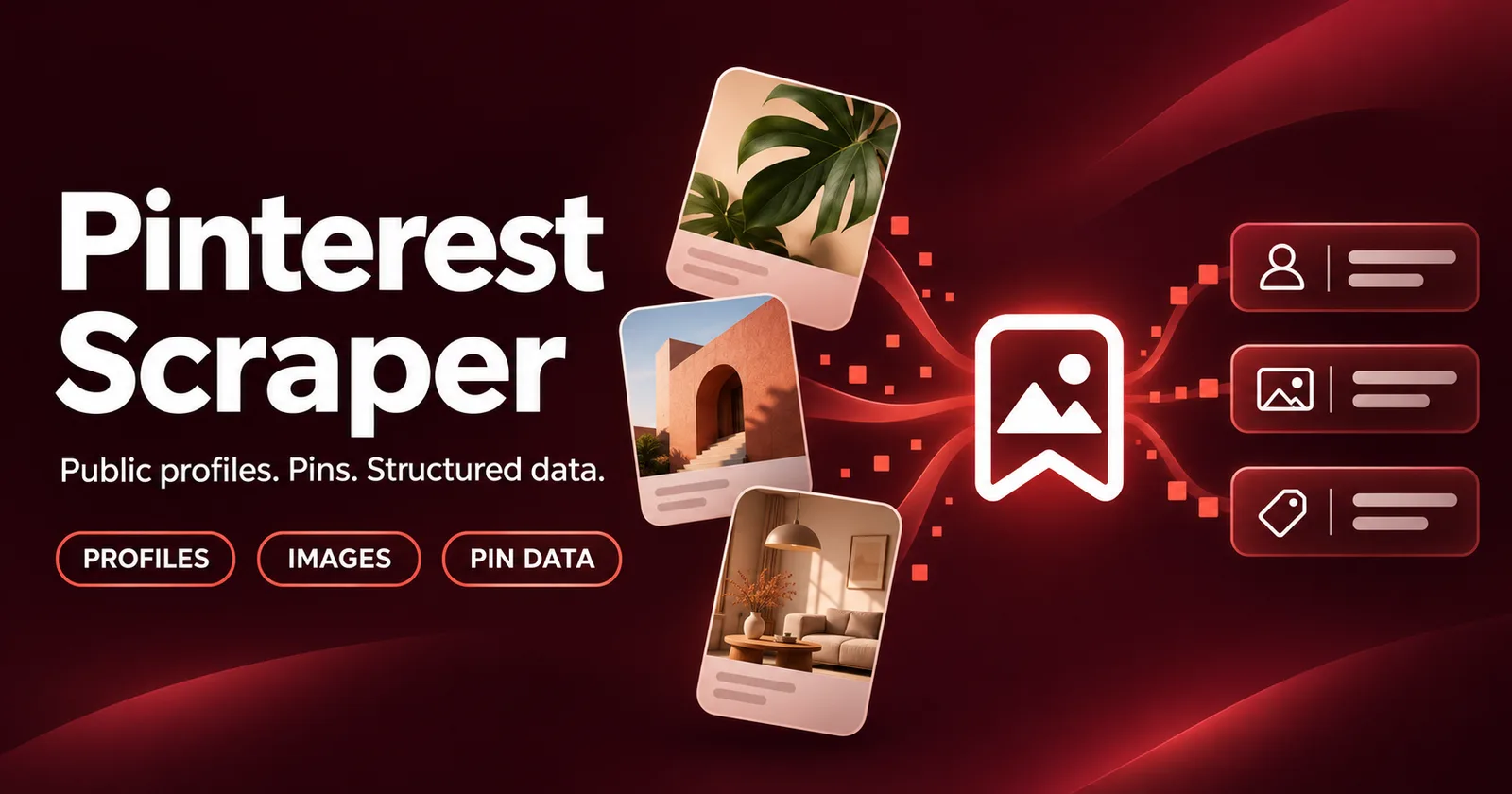
Extract public Pinterest profiles and pins into structured data for content research, competitor monitoring, and product discovery.
Collect pin descriptions, image URLs, board details, source links, and available engagement stats from profile URLs or usernames.
What you can extract
Profile information
- Username and display name
- Bio and website
- Profile URL and profile image
- Pin, board, and follower counts
- Verification status when available
Pin data
- Unique pin ID and Pinterest URL
- Title and description
- Image URL, width, and height
- Board name, ID, and URL
- Outbound link and source domain
- Available engagement stats
Some fields may be empty when Pinterest does not provide them.
Results include two record types: profile and pin. Each type contains different fields. Download JSON to inspect all available fields.
How to use
- Add Pinterest profile URLs or usernames to
startUrls. - Set
maxPinsCntto the maximum pins to collect per profile. - Configure residential proxies in the input form.
- Start the Actor.
- Open the dataset or download the results as JSON.
Example input
{
  "startUrls": [
    "https://www.pinterest.com/zamphotosop/"
  ],
  "maxPinsCnt": 50,
  "includeRaw": false,
  "widgetFirst": true,
  "fallbackToBrowser": false
}
Configure the required proxyConfig separately in the input form.
Common use cases
- Monitor public pins from brands, creators, and competitors.
- Research images and descriptions for content planning.
- Identify products and websites linked from pins.
- Collect public profile metrics for comparison.
- Build recurring Pinterest research datasets.
Supported inputs
Use a public Pinterest profile URL:
https://www.pinterest.com/zamphotosop/
Or enter a username:
zamphotosop
Board URLs, search pages, and individual pin URLs are not supported as starting targets.
Limits and data availability
- Extracts publicly accessible content only.
- The pin limit is a maximum, not a guaranteed result count.
- Pinterest may return fewer accessible pins than requested.
- Titles, outbound links, and engagement stats vary by pin.
- Images are returned as URLs; image files are not downloaded.
- Optional browser fallback may increase runtime and resource usage.
Verified test run
On November 4, 2026, a Bytewells test run collected 50 unique pins and one profile record, with zero failed requests.
Results may vary by profile and Pinterest availability.
Pricing
The monthly rental covers access to the Actor. Compute is billed separately by Bytewells. Review applicable proxy charges before running large jobs.
Support
When reporting an issue, include:
- Run ID
- Pinterest profile URL or username
- Input settings with credentials removed
- A short description of the problem
FAQ
- Can I scrape Pinterest boards or search results?
- This Actor currently accepts profile URLs and usernames only.
- Why are some fields empty?
- Pinterest does not provide every field for every pin. Profile rows and pin rows also contain different fields.
- Are proxies required?
- Yes. This Actor requires a residential proxy configuration.
- Does the rental include compute?
- No. Bytewells bills compute separately from the monthly rental.
Input
Preview of the input form. Rent the Actor to fill it in and start runs from the console.
Fields
startUrlsOne or more Pinterest profile URLs or bare usernames. Accepted examples: https://www.pinterest.com/herbalshotzOfficial/, www.pinterest.com/herbalshotzOfficial/, https://www.pinterest.com/en-gb/herbalshotzOfficial/, and herbalshotzOfficial. Board URLs and individual pin URLs are not supported start targets.
maxPinsCntMaximum number of pins to collect for each profile. Use 1-25 for fast widget runs. Use higher values to paginate through Pinterest's resource API.
includeRawWhen enabled, pin records include a sanitized raw field and profile key-value records include sanitized raw profile fields. Leave off for compact CSV/Excel-friendly output.
widgetFirstWhen enabled (recommended), profiles with maxPinsCnt <= 25 are fetched via Pinterest's public widget endpoint. Larger runs use Pinterest's internal resource API directly.
fallbackToBrowserLast-resort PlaywrightCrawler path triggered only when the widget/resource HTTP tiers fail. Adds memory/runtime cost and should stay off unless a profile consistently fails over HTTP.
minConcurrencyMinimum number of parallel requests. Keep at 1 for most runs because Pinterest can rate-limit aggressively.
maxConcurrencyMaximum number of parallel requests. Keep this low (2-5) to avoid Pinterest rate limiting.
maxRequestRetriesGlobal retry ceiling for failed requests. Internal per-tier caps still apply: widget 2, HTML 3, resource 5, browser 2.
requestHandlerTimeoutSecsPer-request timeout for processing a Pinterest API response.
minDelayMsLower bound of the random delay inserted before each request. Raise this if you see 429/403 responses.
maxDelayMsUpper bound of the random delay inserted before each request. Must be >= minDelayMs.
proxyConfigApify Proxy (recommended) or custom proxy URLs. When useApifyProxy is true, the actor requires RESIDENTIAL in apifyProxyGroups. To bring your own proxy, set useApifyProxy to false and provide residential proxyUrls.
API
Bytewells speaks the Apify API. Existing integrations keep working: point apify-client at https://bytewells.com/api and use your Bytewells API token (Console → Settings → API access). The Actor ID is codemasterdevops/pinterest-scraper (or codemasterdevops~pinterest-scraper in URLs).
JavaScript · apify-client
import { ApifyClient } from 'apify-client';

const client = new ApifyClient({
  token: process.env.BYTEWELLS_TOKEN,
  baseUrl: 'https://bytewells.com/api',
});

const input = {
  "startUrls": [
    "https://www.pinterest.com/herbalshotzOfficial/"
  ],
  "maxPinsCnt": 50,
  "includeRaw": false,
  "widgetFirst": true,
  "fallbackToBrowser": false,
  "minConcurrency": 1,
  "maxConcurrency": 5,
  "maxRequestRetries": 5,
  "requestHandlerTimeoutSecs": 30,
  "minDelayMs": 500,
  "maxDelayMs": 2000,
  "proxyConfig": {
    "useApifyProxy": true,
    "apifyProxyGroups": [
      "RESIDENTIAL"
    ]
  }
};

const run = await client.actor('codemasterdevops/pinterest-scraper').call(input);
const { items } = await client.dataset(run.defaultDatasetId).listItems();
console.log(items);
Python · apify-client
import os
from apify_client import ApifyClient

client = ApifyClient(os.environ["BYTEWELLS_TOKEN"], api_url="https://bytewells.com/api")

run_input = {
    "startUrls": [
        "https://www.pinterest.com/herbalshotzOfficial/"
    ],
    "maxPinsCnt": 50,
    "includeRaw": False,
    "widgetFirst": True,
    "fallbackToBrowser": False,
    "minConcurrency": 1,
    "maxConcurrency": 5,
    "maxRequestRetries": 5,
    "requestHandlerTimeoutSecs": 30,
    "minDelayMs": 500,
    "maxDelayMs": 2000,
    "proxyConfig": {
        "useApifyProxy": True,
        "apifyProxyGroups": [
            "RESIDENTIAL"
        ]
    }
}

run = client.actor("codemasterdevops/pinterest-scraper").call(run_input=run_input)
items = client.dataset(run["defaultDatasetId"]).list_items().items
print(items)
HTTP · curl
curl -X POST "https://bytewells.com/api/v2/acts/codemasterdevops~pinterest-scraper/runs" \
  -H "Authorization: Bearer $BYTEWELLS_TOKEN" \
  -H "Content-Type: application/json" \
  -d '{"startUrls":["https://www.pinterest.com/herbalshotzOfficial/"],"maxPinsCnt":50,"includeRaw":false,"widgetFirst":true,"fallbackToBrowser":false,"minConcurrency":1,"maxConcurrency":5,"maxRequestRetries":5,"requestHandlerTimeoutSecs":30,"minDelayMs":500,"maxDelayMs":2000,"proxyConfig":{"useApifyProxy":true,"apifyProxyGroups":["RESIDENTIAL"]}}'
Runs are billed as compute from your credit balance. Paid Actors need an active rental or trial; otherwise the API answers 402 rental-required.
Related
More Actors from the same publisher.

Bing Scraper - Search Results & SERP Data
codemaster devops · @codemasterdevops
Scrape Bing search results, titles, links, and snippets. Run multiple queries with market, language, and page controls for SEO and competitor research.
SEO toolsMarketingDeveloper toolsFree
Google Play Reviews Scraper - App Ratings & Feedback
codemaster devops · @codemasterdevops
Extract public Google Play app reviews, ratings, dates, helpful votes, and available developer replies for app research and competitor analysis.
MarketingSEO toolsDeveloper tools$19.99/mo3-day free trial
Telegram Scraper - Public Channel Posts & Data
codemaster devops · @codemasterdevops
Scrape public Telegram channel posts, text, dates, views, and available media metadata. Filter by date or post ID and optionally collect public comments.
Social mediaMarketingNews$19.99/mo3-day free trial